
Business Cards
THERMO BUSINESS CARDS
Thermograph Printing is a very affordable Offset Printing alternative to engraving. While engraving uses a metal plate made of copper or zinc to raise the paper surface, thermographic printing raises text or image to create a gorgeous glossy relief that you can feel with of your fingers. Ideal for Letterheads, Formal Invitations, Diplomas, Certificates, etc., and it is comparable with Laser Printers.
Standard White Card Stock
80# Accent Opaque Cars Stock - White.Or Similar Stock.
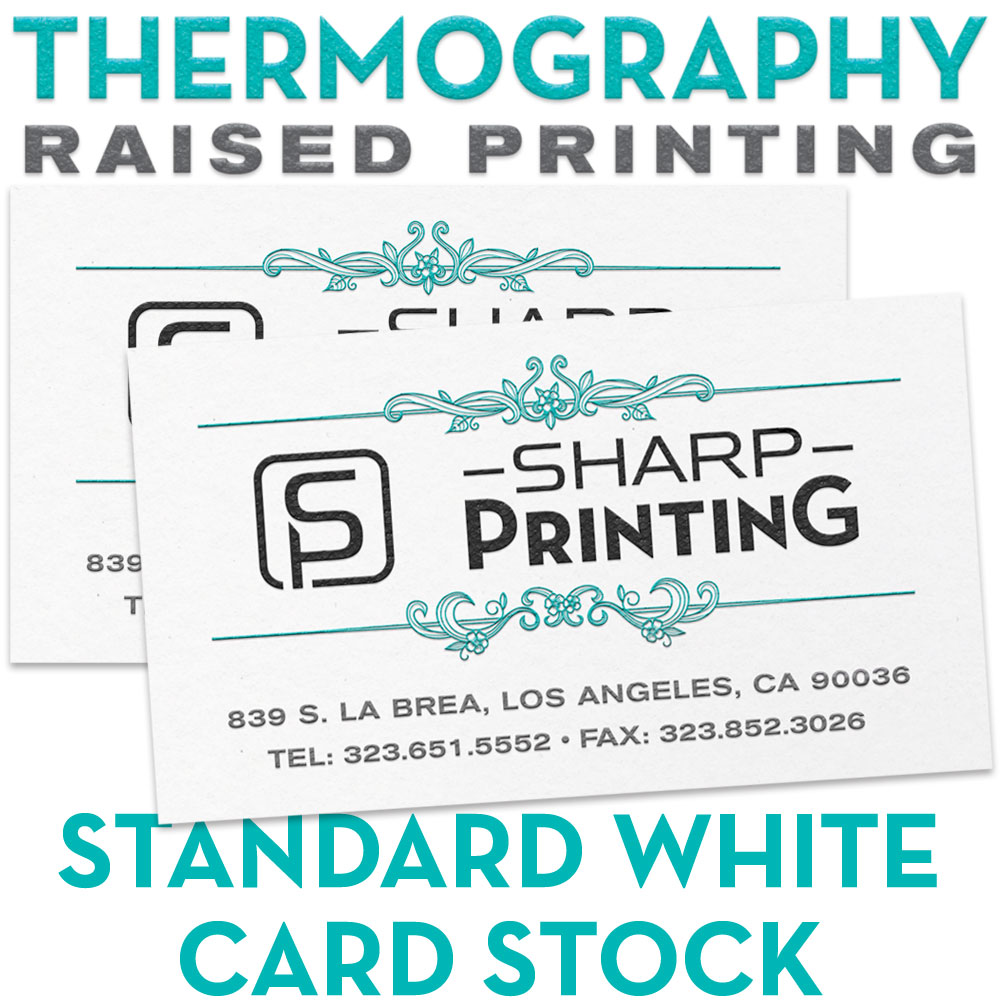
THERMO BUSINESS CARDS
Thermograph Printing is a very affordable Offset Printing alternative to engraving. While engraving uses a metal plate made of copper or zinc to raise the paper surface, thermographic printing raises text or image to create a gorgeous glossy relief that you can feel with of your fingers. Ideal for Letterheads, Formal Invitations, Diplomas, Certificates, etc., and it is comparable with Laser Printers.
Standard White Card Stock
80# Accent Opaque Cars Stock - White.Or Similar Stock.
Standard White Card Stock
Prices are base in our Standard Color:Black, Reflex Blue. Red (Pantone 185), Process Blue, Burgundy (Pantone 221), Gray (Pantone 423), Pink (Rhodamine), Orange (Pantone 021), Teal (Pantone 320), Brown (Pantone 469), Pantone Violet, Green (Pantone 347), Copper (Pantone 876), and Gold(Pantone 873).
Hairline Registration (Two Colors Line Up Precisely, Touch or Overlap)
Prices are subject to change base on the artwork
ARTWROK MUST BE A PDF FILE FORMAT
Ordering & Artwork Setup Guide
Step 1. Choose Product
- If you can not find the product you are looking for submit a custom quote here
Step 2. Select Product Options
- Size
- Color
- Turnaround Time
- Coating
- Etc.
Step 3. Add Product to Shopping Cart
- You will see an instant price for all listed products
- Click the Add To Cart Button
Step 4. Review Shopping Cart
- Name Your Job
- Select Shipping Method
- Add Any Special Instructions
- Once Satisfied Click The Checkout Button or Continue Shopping
Step 5. Payment Page
- Select Billing Address
- Select Payment Method
- Review and Accept Terms/Conditions
- Click Complete Button
Step 6. Upload Files
- Upload Now
- Upload Later
- My Designer Will Upload
- Files Are At A 3rd Party Download Source (i.e. ftp, dropbox, sendspace)